If you have ever wanted an operating system that feels like a stealthy little privacy toolbox on a USB stick, Linux Tails is probably the one everyone keeps bringing up. Tails, short for The Amnesic Incognito Live System, is a portable operating system built to help protect your privacy and reduce the digital crumbs you leave behind. Instead of installing it like Windows or a regular Linux distro, you boot it from a USB drive and use it as a temporary environment focused on anonymity and security.
So, what exactly is Tails?
Think of Tails as a “clean-room mode” for your computer. You shut down your normal operating system, boot from the Tails USB stick, and suddenly you are running a separate system that does not rely on the computer’s internal drive in the usual way. One of the biggest selling points is the amnesic design: when you shut Tails down, your session is wiped from memory, which helps prevent traces from being left on the machine.
That already makes Tails interesting for beginners, but the real magic is in how opinionated it is. Tails is not trying to be your everything-OS. It is trying to be a privacy-first environment with safer defaults, fewer chances to make obvious mistakes, and a setup that is meant to be portable enough to carry in your pocket. It is also free software and is part of the Tor Project ecosystem.
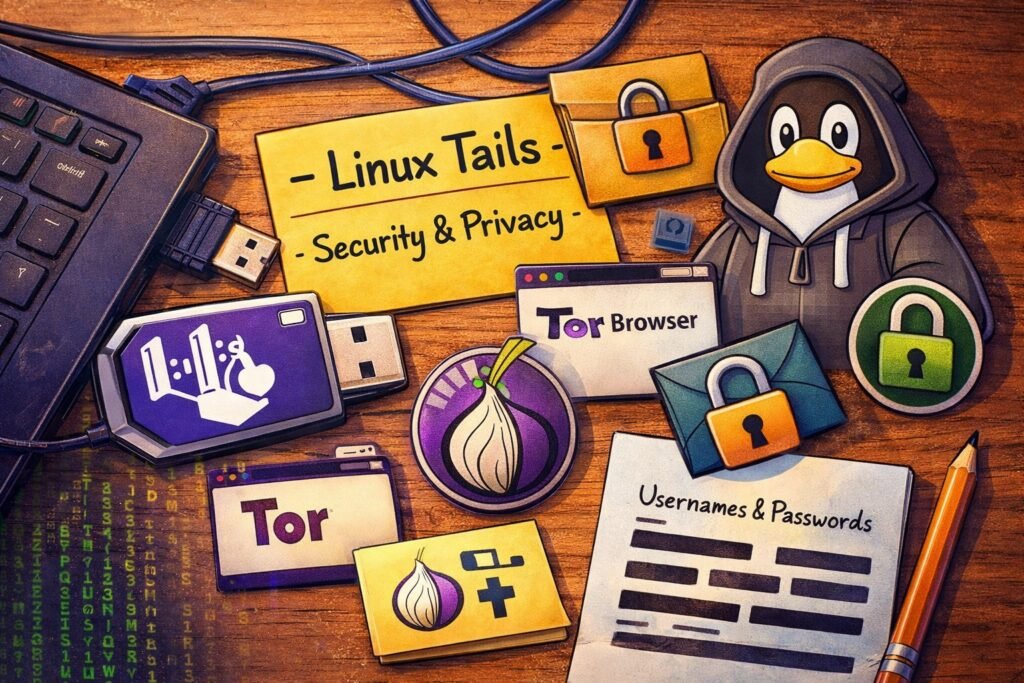
The main features that make Tails stand out
The headline feature is simple: everything you do online in Tails goes through the Tor network. That means your traffic is routed through Tor by default, instead of depending on you to manually set things up. Tails also supports Tor bridges, which can help if Tor is blocked or heavily monitored where you are connecting from.
Tails also includes an encrypted Persistent Storage option. Normally, Tails forgets everything when you shut it down, but if you want, you can create an encrypted area on the USB stick to keep selected files and settings. That can include things like documents, Wi-Fi passwords, and browser bookmarks. It is a nice compromise between “leave no trace” and “I still need my stuff next time I boot.”
Then there is the built-in software lineup, which is honestly one of the reasons Tails feels so beginner-friendly despite its hardcore privacy reputation. Out of the box, it includes Tor Browser, Thunderbird with OpenPGP support, OnionShare for anonymous file sharing, KeePassXC for password management, LibreOffice, and Metadata Cleaner for stripping hidden data from files. In other words, it is not just a weird privacy boot disk. It is an actual usable toolkit.
What people actually use Tails for
For most beginners, the most obvious use is private web browsing. If you want a session that is separated from your daily operating system and sent through Tor automatically, Tails makes that a lot easier than building the whole setup yourself.
Another big use case is handling sensitive files and communications. Since Tails ships with encryption-friendly tools, anonymous sharing tools, and metadata-cleaning utilities, it is useful when you want more control over what a file reveals and how you send it. That is a huge deal, because a photo or document can leak a surprising amount of hidden information if you are careless.
Tails is also handy when you need a safer environment on a machine that is not your usual one. The project explicitly says it can run independently from another operating system, which reduces some risks from malware already present on that system. Still, and this is important, Tails does not make you invincible if the machine has malicious hardware, compromised firmware, or physical keyloggers.
Why Linux Tails is strong for beginners
The first strength is that it is surprisingly accessible. You do not have to wipe your computer or dual-boot anything. Tails can be installed on a USB stick with 8 GB minimum and is designed to work on most PC computers less than 10 years old. That lowers the barrier a lot for curious newcomers who just want to test-drive a privacy-focused OS without turning it into a weekend-long Linux side quest.
The second strength is that Tails has safe defaults baked in. Applications that try to connect outside Tor are blocked, and the whole system is structured to reduce the kind of mistakes beginners usually make when they try to piece together privacy tools on their own. That “secure by default” approach is one of the biggest reasons Tails has such a strong reputation.
The third strength is portability. Tails basically gives you a dedicated privacy workspace you can carry around. For nerds, that is kind of beautiful. A whole operating system, purpose-built for privacy, living on a USB stick like some cyberpunk multitool.
Where Tails falls short
Now for the honest part: Tails is great, but it is not magic. The Tails project literally says that. If you log into your normal accounts, reveal personal details, or mix different identities in the same session, you can still blow your anonymity all by yourself. Tails reduces risk; it does not replace good operational security.
Another weakness is speed and convenience. Since Tails routes all Internet traffic through Tor, browsing can be slower than what you are used to. Also, many websites know when traffic is coming from Tor exit nodes, so you may run into CAPTCHAs, login friction, or outright blocks.
Hardware support can also be annoying. Tails works on many PCs, but not everything. The official requirements say it does not work on Apple Silicon Macs, smartphones, tablets, Raspberry Pi devices, ARM systems, or 32-bit computers. Some PCs can also have compatibility issues, especially with certain graphics hardware. So yes, the privacy wizardry is cool, but sometimes the USB boot gods still demand a sacrifice.
There is also a subtle downside to Persistent Storage: it is encrypted, which is good, but it is not hidden. Someone with physical access to the USB stick can tell that Persistent Storage exists, even if they cannot open it without the passphrase.
Final thoughts
For beginners, Linux Tails is one of the best gateways into privacy-focused computing. It is portable, Tor-routed by default, packed with useful tools, and built around the idea of leaving as little trace as possible. At the same time, it works best when you understand what it can and cannot do. Tails is excellent at reducing exposure, but it still depends on user habits, hardware compatibility, and realistic expectations. Used correctly, it is a seriously impressive little system. Used carelessly, it is just a very clever USB stick.
FAQ
Is Linux Tails good for beginners?
Yes, especially for beginners who want a privacy-focused system without permanently installing a new operating system. Tails boots from a USB stick, includes ready-to-use tools, and routes traffic through Tor automatically.
Can Tails save files?
Yes, but only if you enable Persistent Storage, which is an encrypted area on the USB stick for selected files and settings. Otherwise, Tails forgets your session after shutdown.
Is Tails better than a VPN?
Tails and a VPN do different things, but the Tails documentation is very clear that Tor is central to its privacy model, and it also notes that VPNs are less secure than Tor against some threats because they do not use three independent relays.
Does Tails make you fully anonymous?
No. Tails improves privacy a lot, but it cannot protect you from every threat, especially if you reveal your identity yourself or use compromised hardware.